
Download Kaeri.
Version 0.3.6. Release notes
Mac
macOS 26 or later, Apple silicon. Allow it once in System Settings, under Privacy & Security.
Suggested for this device.
iPhone and iPad
iOS or iPadOS 26 or later. Add Kaeri’s source to SideStore or AltStore and install it from there.
Suggested for this device.
Android
Android 15 or later, 64-bit ARM. Allow installs from your browser or file manager once.
Suggested for this device.
Android TV
Android TV 11 or later, ARM. Install it with the Downloader app, or from a computer with adb. After that it updates itself.
Suggested for this device.
Windows
Windows 10 version 2004 or later, x64 or Arm64. The installer is not signed, so choose More info, then Run anyway, when SmartScreen stops it.
Suggested for this device.
Linux
Ubuntu 25.04, Fedora 42, Debian 13 or newer, x86-64 or ARM64. Make the AppImage executable once, then open it.
Suggested for this device.
Terminal
macOS, Linux and Windows. It needs mpv and ffmpeg, and on a Mac it shares its history and settings with the Mac app.
brew install mpv ffmpegSuggested for this device.
Install steps.
The apps aren’t in any app store, so the first install takes one extra step. After that they update themselves.
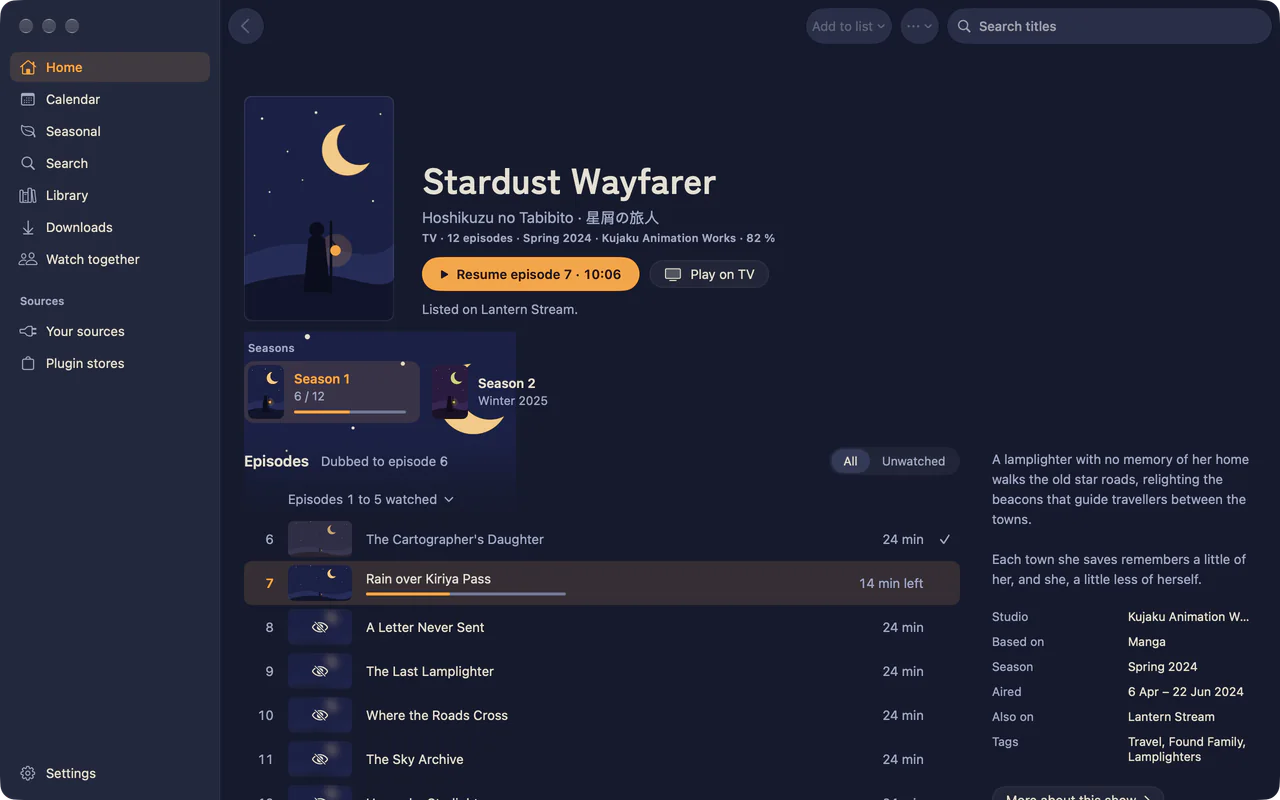
Mac
macOS 26 or later, on Apple silicon.
- Open the disk image and drag Kaeri to Applications.
- Open Kaeri. When macOS says it cannot verify the app, choose Done.
- In System Settings › Privacy & Security, choose Open Anyway beside the line about Kaeri, and confirm with your password or Touch ID.
The app is signed without an Apple developer account, so it isn’t notarised. Updates from inside the app don’t ask again. From a terminal, xattr -dr com.apple.quarantine /Applications/Kaeri.app does the same as Open Anyway.
iPhone and iPad
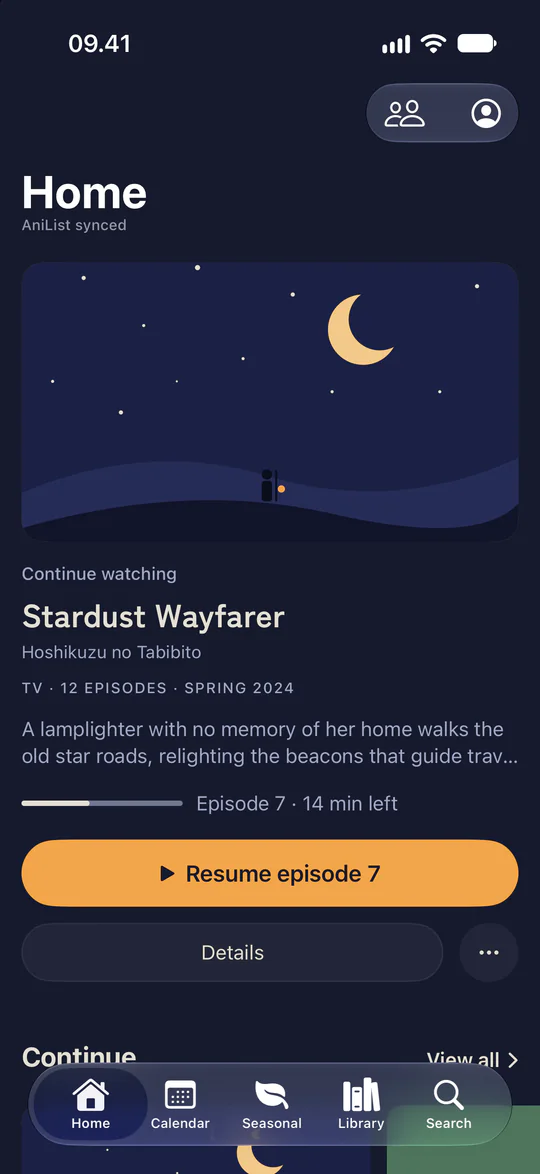
iOS or iPadOS 26 or later.
- Set up SideStore or AltStore on the device, as its own guide describes.
- In Sources, choose + and paste this address:
https://github.com/bitknox/kaeri/releases/latest/download/sidestore.json - Install Kaeri from the source.
- If iOS asks for Developer Mode, turn it on under Settings › Privacy & Security › Developer Mode and restart.
With a free Apple ID the signature lasts seven days, so SideStore or AltStore has to refresh the app within that time. Your data stays either way.
Android
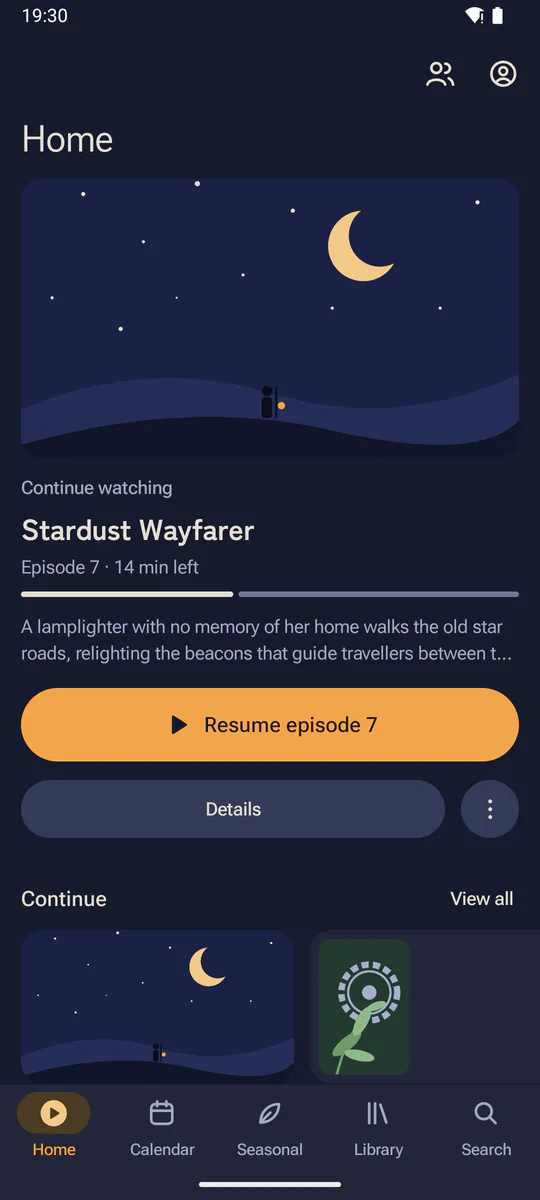
Android 15 or later, on 64-bit ARM.
- Download the APK on the phone or tablet and open it.
- Android asks once whether your browser or file manager may install apps. Allow it, go back and choose Install.
Each release installs over the one before and keeps your data. Play Protect may offer to scan it, since it isn’t on Google Play.
Android TV
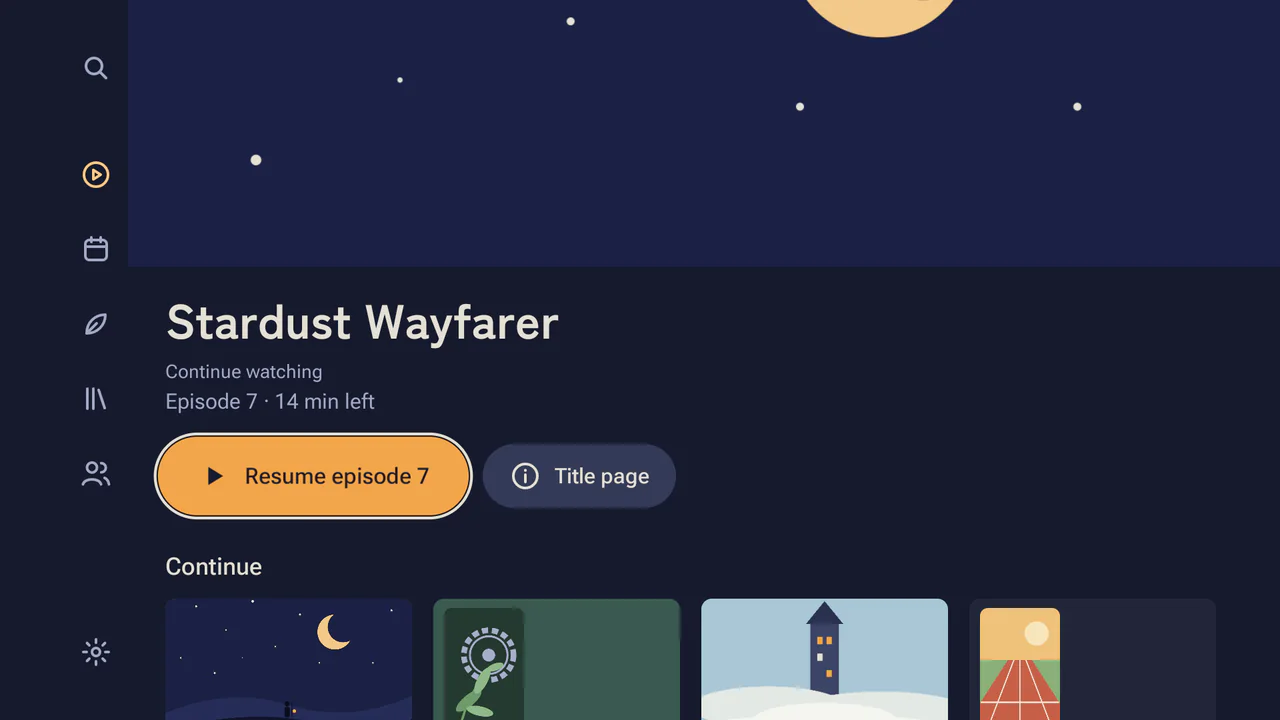
Android TV or Google TV 11 or later, on ARM.
Most TV boxes run a 32-bit system and take the armv7 file. Newer boxes take arm64. If the install says the app isn’t compatible, try the other one.
- Install Downloader from Google Play on the TV.
- In Downloader, enter
github.com/bitknox/kaeri/releases/latestand choose the file under Assets. - Allow Downloader to install apps, go back and choose Install.
You can also install it from a computer with adb, as the installation guide describes. After that the TV app updates itself.
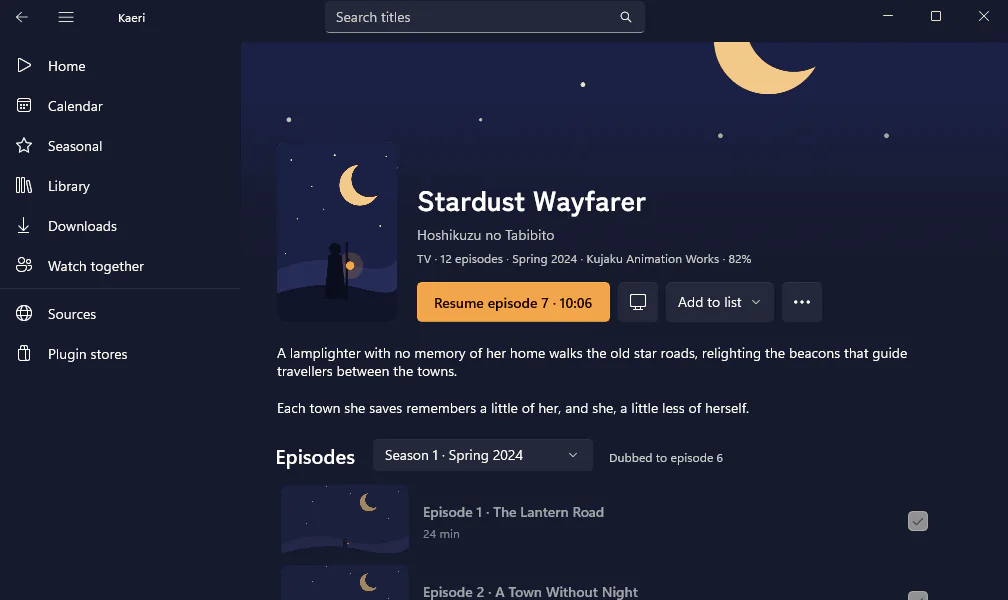
Windows
Windows 10 version 2004 or later.
- Run the installer. It installs for your account only, so it asks for no administrator password.
- When Windows says “Windows protected your PC”, choose More info.
- Choose Run anyway.
A new release installs over the one before and keeps your library and settings.
Linux
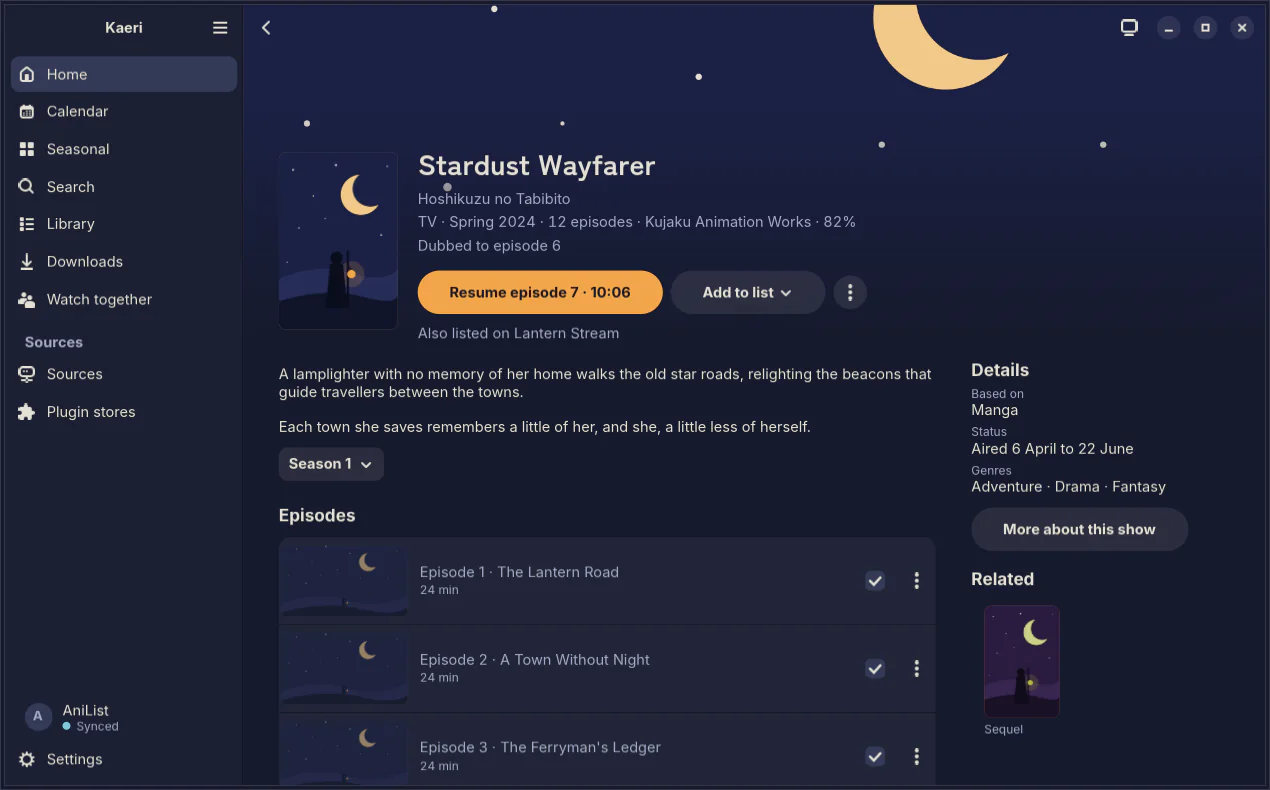
Ubuntu 25.04 or later, including 26.04 LTS, Fedora 42 or Debian 13. The AppImage needs glibc 2.41.
- Make the file executable once, then open it:
chmod +x kaeri-0.3.6-linux-x86_64.AppImage
./kaeri-0.3.6-linux-x86_64.AppImage
It carries GTK 4, libadwaita and the player, so there is nothing to install first. On Ubuntu 24.04 and other older systems, use the terminal app.
Terminal
macOS, Linux and Windows. It needs mpv and ffmpeg.
- Install mpv and ffmpeg. The .deb does this for you.
brew install mpv ffmpeg - Download the installer for your system from the latest release: a .pkg on macOS, setup.exe on Windows or a .deb on Debian and Ubuntu. There is also an AppImage for other distros, and an archive for putting the binary on your PATH yourself.
- Run it, then type
kaeriin a terminal.
Once it’s installed, kaeri --update keeps it current. On a Mac it shares its history and settings with the Mac app.
Check a download.
Every file in a release has a .sha256 beside it. Put both in one folder and run:
On macOS
shasum -a 256 -c kaeri-0.3.6-macos.dmg.sha256On Linux
sha256sum -c kaeri-0.3.6-linux-x86_64.AppImage.sha256Older versions.
Every release stays on GitHub with its files, checksums and notes.
Before you install.
Does Kaeri come with any shows?
It starts with a demo of Creative Commons works. Everything else comes from sources you add: a media server, your own files, or plugins from a plugin store you trust.
Why does my Mac ask before it opens Kaeri?
The Mac app isn’t notarised by Apple, so macOS asks once. Choose Done, then Open Anyway in System Settings, under Privacy & Security.
Why isn’t it on the App Store?
The App Store needs a paid developer account. The iPhone and iPad app installs through SideStore or AltStore instead, and they refresh it every seven days on a free Apple ID.
Do I need an account?
No. Browsing needs no account, and devices on the same Wi-Fi sync with each other without one. Sign in to AniList, MyAnimeList, Kitsu, Simkl or Trakt if you want your progress on a tracker.
Does it cost anything?
No. Kaeri is free and MIT licensed on every platform.